Talking with Jonathan about how computers work, see below:
Learning about Polaris - What is a terminal?
Creating this website of awesomeness.
Basic commands I learned from Jonathan to do this:
cd (change directory), ls (list of what files are in the directory you have set), touch (creates a file), nano (a type of text editor), .. (go back a directory)
~ (home directory), ssh (allows us to get into polaris), cp (copy a file), chmod a+r (allowed my 2DTruss image to be read), rm (removes a file FOREVER), exit (lose connection with polaris)
Learned how to upload images to Polaris from my own computer.
Changed the color on this gradient from blue to pink.
Other things:
Attend weekly COSI meetings.
Attended some after meeting slots.
Helped with the ITL Build.
Went on a soda run with Jonathan and Ember!
Prior Knowledge of Coding: (Limited)
Used MATLAB for my ES100 and CE420 classes.
This semeter, in CE420, we used MATLAB to run structural analysis calculations on several members at a time.
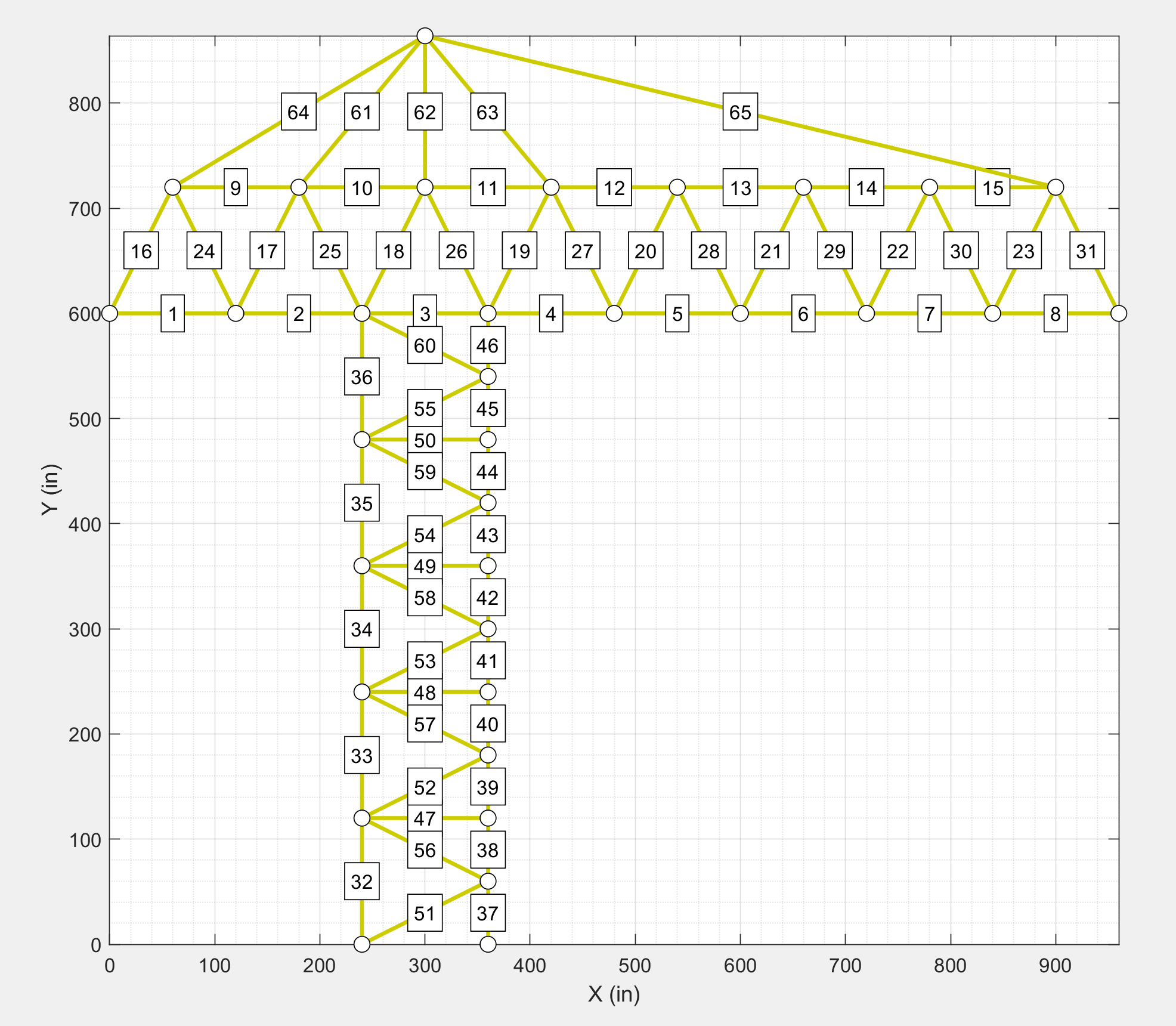
For my CE420 Midterm Project, I was able to use the MATLAB code to graph a 2D Truss system and compute displacements, support reactions, and more!
 New Computer Science Knowledge: